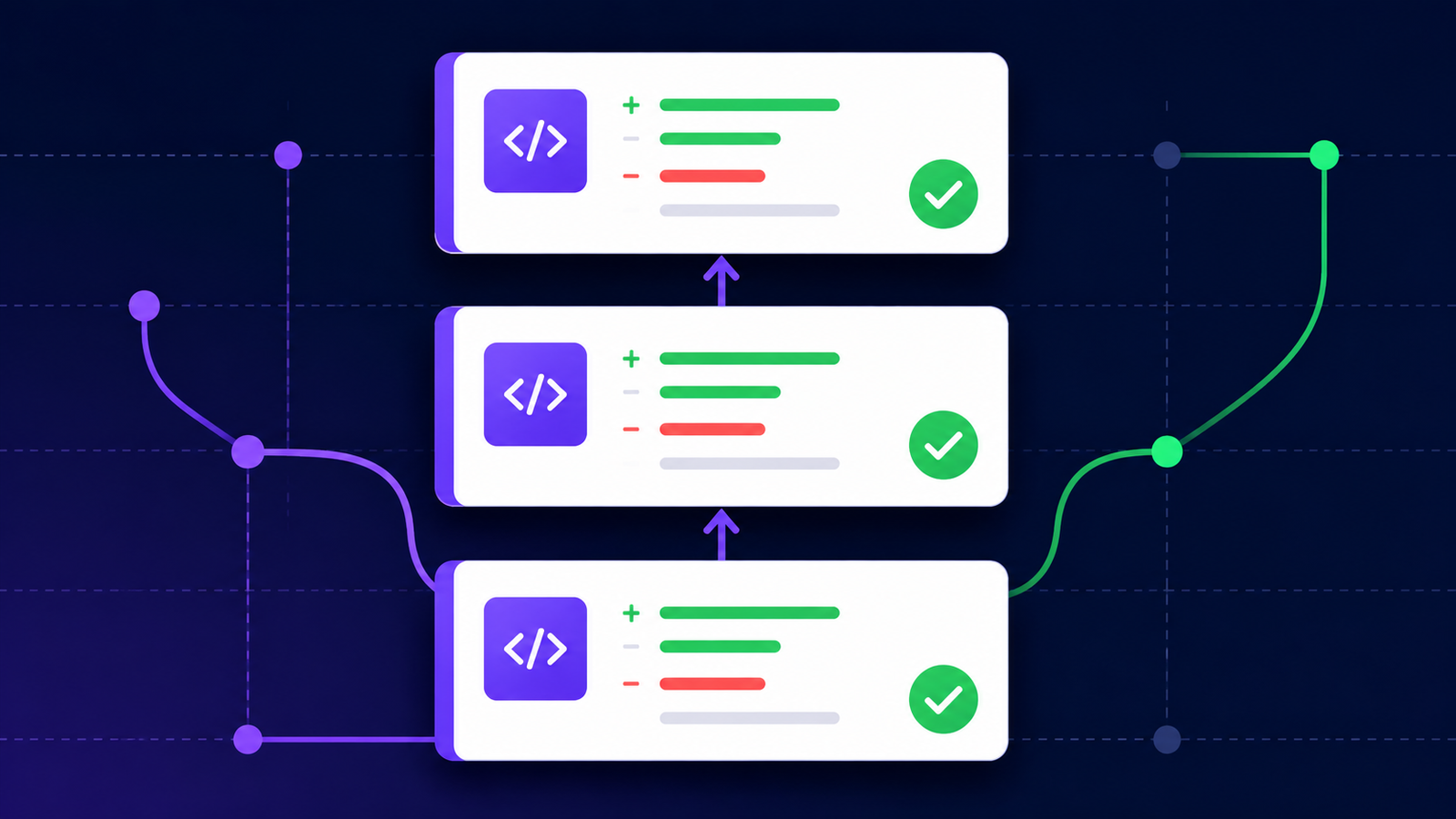
If you've ever opened a single, sprawling pull request that touches a dozen files and does three unrelated things at once, you already know the pain stacked PRs are meant to solve. GitHub's stacked pull requests feature lets you break large pieces of work into a chain of small, dependent PRs — each one reviewable on its own, but building on the one before it.
Here's what it is, why it matters, and how to actually use it.
What Is a Stacked PR?
A stacked PR is simply a pull request that's based on another open pull request, instead of being based directly on your main branch. String several of these together and you get a "stack" — a sequence of small, focused changes that depend on each other in order.
Instead of this:
main → one giant PR with 40 files changedYou get this:
main → PR #1 (schema change)
         → PR #2 (API endpoint, built on PR #1)
             → PR #3 (frontend UI, built on PR #2)
Each PR in the stack has its own description, its own diff, and its own review thread — but GitHub understands the dependency between them and tracks the chain for you.
Why Stacked PRs Matter
Smaller, faster reviews. A reviewer looking at a 40-file PR either skims it or blocks their whole day. A reviewer looking at a 5-file PR that does one clear thing can actually review it properly — and quickly.
Unblocked work. In a traditional single-branch workflow, you often can't touch the next piece of work until the current PR merges. With a stack, you can keep building PR #2 and PR #3 on top of PR #1 while it's still in review, instead of sitting idle or piling everything into one branch.
Cleaner history. Each PR represents one logical change. That makes git blame, changelogs, and rollbacks far more meaningful than trying to dig through one monolithic commit.
Easier rebasing. When the base PR changes after review feedback, GitHub can propagate those changes down the stack, so you're not manually rebasing every dependent branch by hand.
How to Create a Stacked PR on GitHub
Branch off your first feature branch, not
main. Createfeature-1frommain, push it, and open a PR targetingmain.Branch again from
feature-1for the next piece of work. Createfeature-2fromfeature-1, push it, and open a PR — but set its base branch tofeature-1instead ofmain. GitHub will show this PR's diff as only the changes made on top offeature-1.Repeat for as many PRs as the stack needs.
feature-3branches fromfeature-2, and so on. GitHub links these PRs together and displays the stack so anyone reviewing can see where a given PR sits in the chain.Merge from the bottom up. Once
feature-1's PR is approved and merged intomain, GitHub retargetsfeature-2's PR tomainautomatically and updates the diff. Continue merging up the stack in order.Update the stack when something changes. If review feedback changes code in
feature-1, GitHub can help propagate that change throughfeature-2andfeature-3so the whole stack stays in sync, rather than leaving downstream branches silently out of date.
A Few Practical Tips
Keep each PR in the stack scoped to one concern. If you can't describe a PR in one sentence, it's probably still too big.
Write context into each PR description, noting what it depends on and what depends on it — reviewers jumping into the middle of a stack need that orientation.
Merge in order, bottom-up. Merging out of order breaks the dependency chain and can cause confusing conflicts.
Don't over-stack. Three to five PRs deep is usually manageable; a ten-deep stack becomes its own coordination problem.
Stacked PRs vs. Feature Branches
A single large feature branch is easy to create but hard to review and hard to partially ship. Stacked PRs trade a little extra setup — more branches, more PRs to track — for much better review quality, faster feedback loops, and the ability to ship and merge incrementally instead of all at once.
For teams working on anything non-trivial — a new API plus the UI that consumes it, a schema migration plus the code that depends on it — stacking PRs is one of the simplest workflow changes that measurably improves both code review quality and delivery speed.
Final Thoughts
Stacked PRs aren't a new idea — tools like Graphite and Sapling have offered this workflow for a while — but having it built directly into GitHub removes a lot of the friction of managing dependent branches by hand. If your team regularly ships large, hard-to-review PRs, this is worth trying on your next multi-step feature.