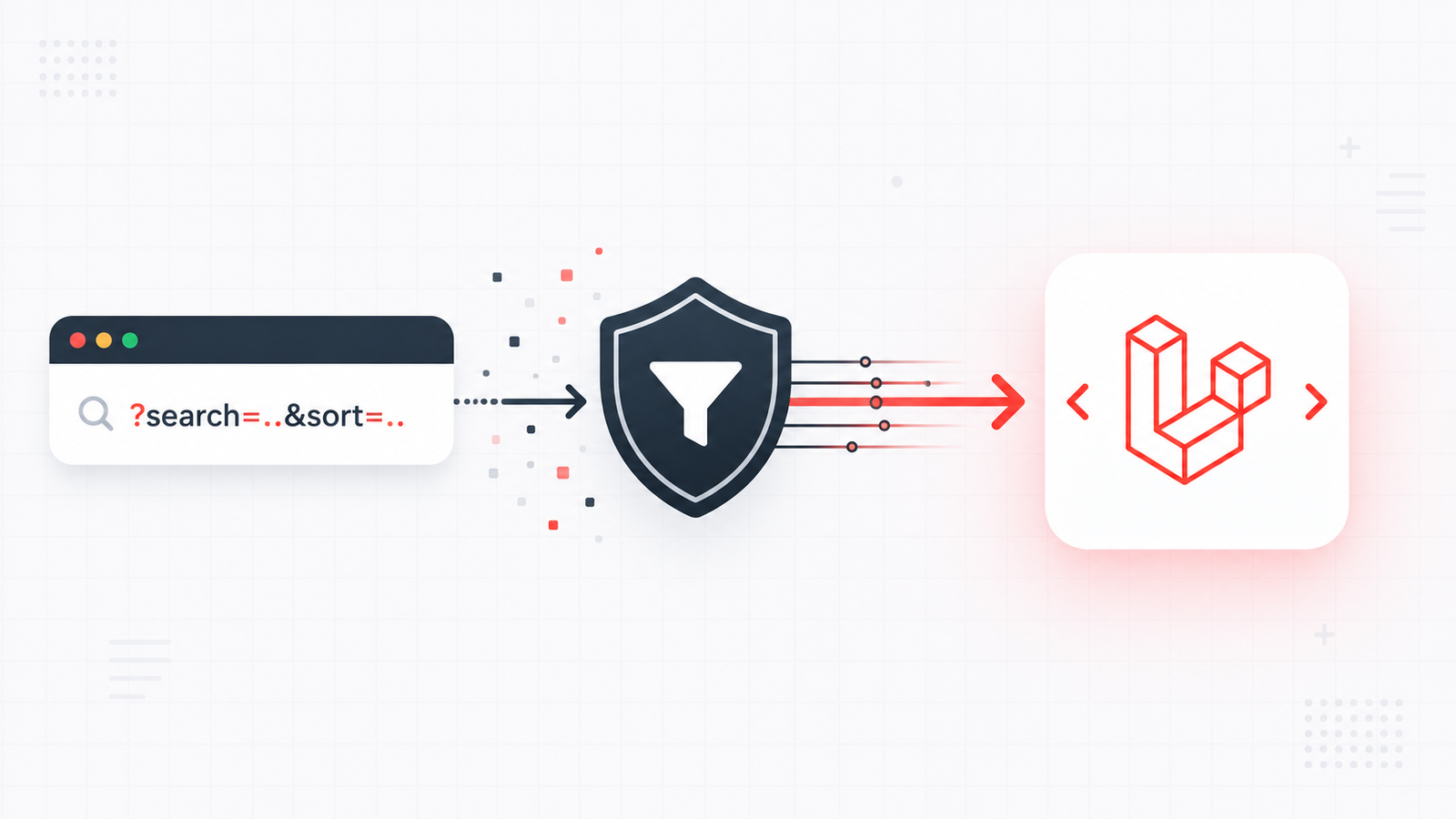
Query parameters feel harmless — they're just filters and search terms in the URL, right? But anything a user can type into a URL is untrusted input. An unvalidated ?sort= or ?page= can break a database query, expose data you didn't intend, or crash a page with a bad value. The good news: Laravel makes validating and sanitizing them straightforward.
This guide shows how to validate query parameters, apply safe defaults, and whitelist allowed values — so the data flowing into your controllers is always clean.
Why query parameters need validation
It's easy to trust query strings because you wrote the links that use them. But a user (or a bot) can change the URL to anything:
?page=-5or?page=abc— breaks pagination logic?sort=password— tries to sort by a column you never meant to expose?perPage=100000— a denial-of-service via a huge result set?search=<script>— untrusted text that ends up rendered on the page
Every one of these is prevented by validating the input before you use it.
The simplest approach: $request->validate()
For a quick controller-level check, validate() runs your rules and, on failure, automatically redirects back (web) or returns a 422 JSON response (API):
php
public function index(Request $request)
{
    $validated = $request->validate([
        'search'  => 'nullable|string|max:100',
        'page'    => 'nullable|integer|min:1',
        'perPage' => 'nullable|integer|min:1|max:100',
        'sort'    => 'nullable|in:name,price,created_at',
    ]);

    // $validated only contains the keys you defined above
    $search = $validated['search'] ?? null;
}
Two things are doing a lot of work here. max:100 and min:1 keep values in a sane range, and in:name,price,created_at whitelists the only sort columns you allow — so ?sort=password is rejected outright.
Always apply safe defaults
Validation rejects bad values, but you still want sensible fallbacks when a parameter is simply missing. Combine validation with defaults using query()'s second argument:
php
$page    = (int) $request->query('page', 1);
$perPage = (int) $request->query('perPage', 15);
$sort    = $request->query('sort', 'created_at');
Casting to (int) is a small but important sanitizing step — it guarantees you're working with a number before it reaches a database query or a LIMIT clause.
Whitelisting: the most important habit
Never pass a raw parameter straight into a query as a column name, direction, or table. Always check it against a list of values you explicitly allow:
php
$allowedSorts = ['name', 'price', 'created_at'];
$sort = $request->query('sort', 'created_at');

if (! in_array($sort, $allowedSorts, true)) {
    $sort = 'created_at';
}

$direction = $request->query('direction') === 'asc' ? 'asc' : 'desc';

$products = Product::orderBy($sort, $direction)->paginate($perPage);
This single pattern closes off an entire class of bugs and injection risks. If it's not on the list, it doesn't get used — full stop.
Cleaner still: a Form Request
When the same validation rules show up in more than one place, move them into a Form Request class. It keeps controllers thin and rules reusable:
php
php artisan make:request ProductFilterRequestphp
public function rules(): array
{
    return [
        'search'  => 'nullable|string|max:100',
        'page'    => 'nullable|integer|min:1',
        'perPage' => 'nullable|integer|min:1|max:100',
        'sort'    => 'nullable|in:name,price,created_at',
    ];
}
Then type-hint it in the controller and you get validated data for free:
php
public function index(ProductFilterRequest $request)
{
    $validated = $request->validated();
    // ...
}
A note on sanitizing for output
Validation handles what comes in. When you display a query value back on the page — like showing "Results for: {search}" — let Blade escape it for you. The {{ }} syntax automatically escapes output, which neutralizes ?search=<script> attempts:
blade
<p>Results for: {{ request('search') }}</p>Avoid {!! !!} for user input — that's unescaped output and re-opens the door you just closed.
Wrapping up
Query parameters are user input, so treat them like it: validate types and ranges, whitelist any value that becomes a column or direction, apply safe defaults for what's missing, and let Blade escape anything you echo back. A few lines of validate() and an in_array check are all it takes to make your filters both bug-free and secure.
This builds directly on how you read request data — if you need a refresher, see $request->query() vs $request->input() in Laravel and handling GET, POST, PUT & PATCH requests in Laravel routes. Next up, I'll show how to build a fully filterable API endpoint from these query strings, start to finish.